
On this tour, we'll visit each page of the AD Knowledge Portal to see what it has to offer!

Explore
The Explore tab isn’t a page on its own, but a menu of subtabs/pages to choose from:
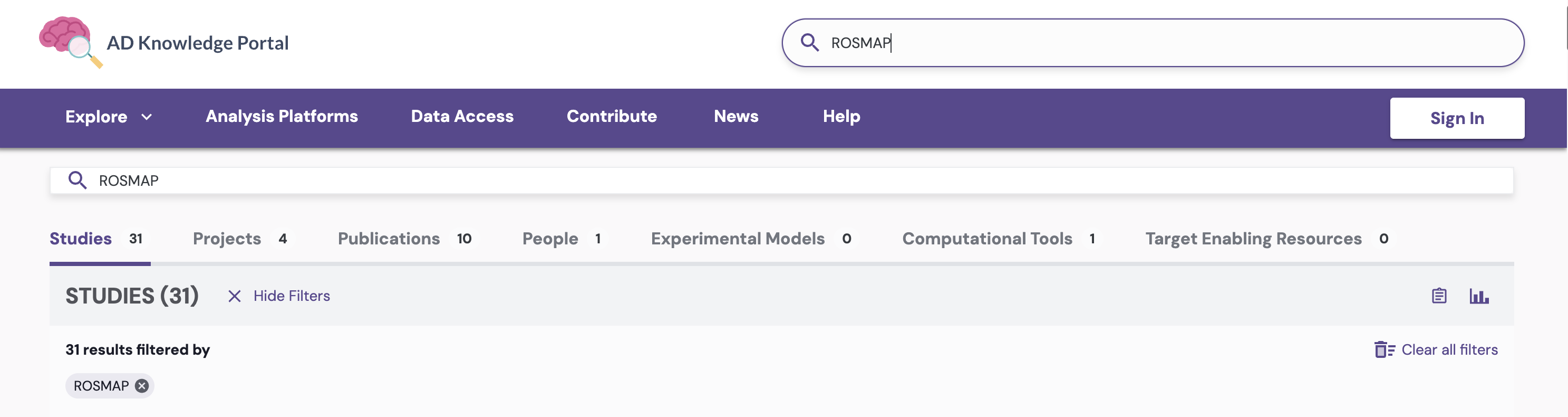
These items correspond to the different ways in which you can filter and view data.
For example, the Explore Programs page lists all programs currently supported by the AD Knowledge Portal Data Coordinating Center, so you can find and select one of interest to visit that program’s specific page, which will list all of its associated projects, studies, and any other affiliated resources. The Explore Projects and Explore Studies pages list all projects/studies respectively. All of these pages operate in the same way: access any one to view data based on that category. Once there, filter your results further, either using Open Search or by utilizing the filters on the left-hand side of the UI, which directly reflect annotations placed on the data in the backend.
If you’re new to the AD Knowledge Portal, we recommend reviewing the Information Hierarchy, Explore Data, and Metadata sections of these help docs to gain a better understanding the site’s organization.
Analysis Platforms
The AD Knowledge Portal is interoperable with several Trusted Research Environments (TREs), so you can bring Portal data into the analysis platform of your choice.
Integrations with these analytical platforms enables researchers to collaborate, share, and connect data from across the research ecosystem. The Analysis Platforms tab provides easy-access links to all currently-supported TRE integrations.
For a TRE feature breakdown by platform, account linking instructions, and guidance on exporting AD Knowledge Portal data, you’ll want to visit the Analysis Platforms (TREs) section of these help docs.
Data Access

Access to data in the AD Knowledge Portal is tiered to safeguard participant privacy and data confidentiality.
The Data Access tab describes the two access tiers (Open and Controlled Access) into which all AD Knowledge Portal data fall. The page also provides an easy-access link to request access to controlled data, and lists requirements for data reuse.
For detailed data access instructions, you’ll want to visit the Access and Acknowledge Data section of these help docs.
Contribute

Data contribution to the AD Knowledge Portal happens through two different primary pathways.
Most data surfaced on the AD Knowledge Portal has been generated through specific programs supported by the National Institute on Aging. A smaller fraction of the data has been shared through our Community Data Contribution Program (CDCP).
The Contribute tab directs potential contributors to submit data contribution requests through our Service Desk based on the pathway which best corresponds to the funding source for the data in question.
For a full walkthrough of the data ingress process, including how to prepare your submission, become a certified Synapse user, upload your data, and get it released to the portal, you’ll want to review the Contribute Data section of these help docs.
News
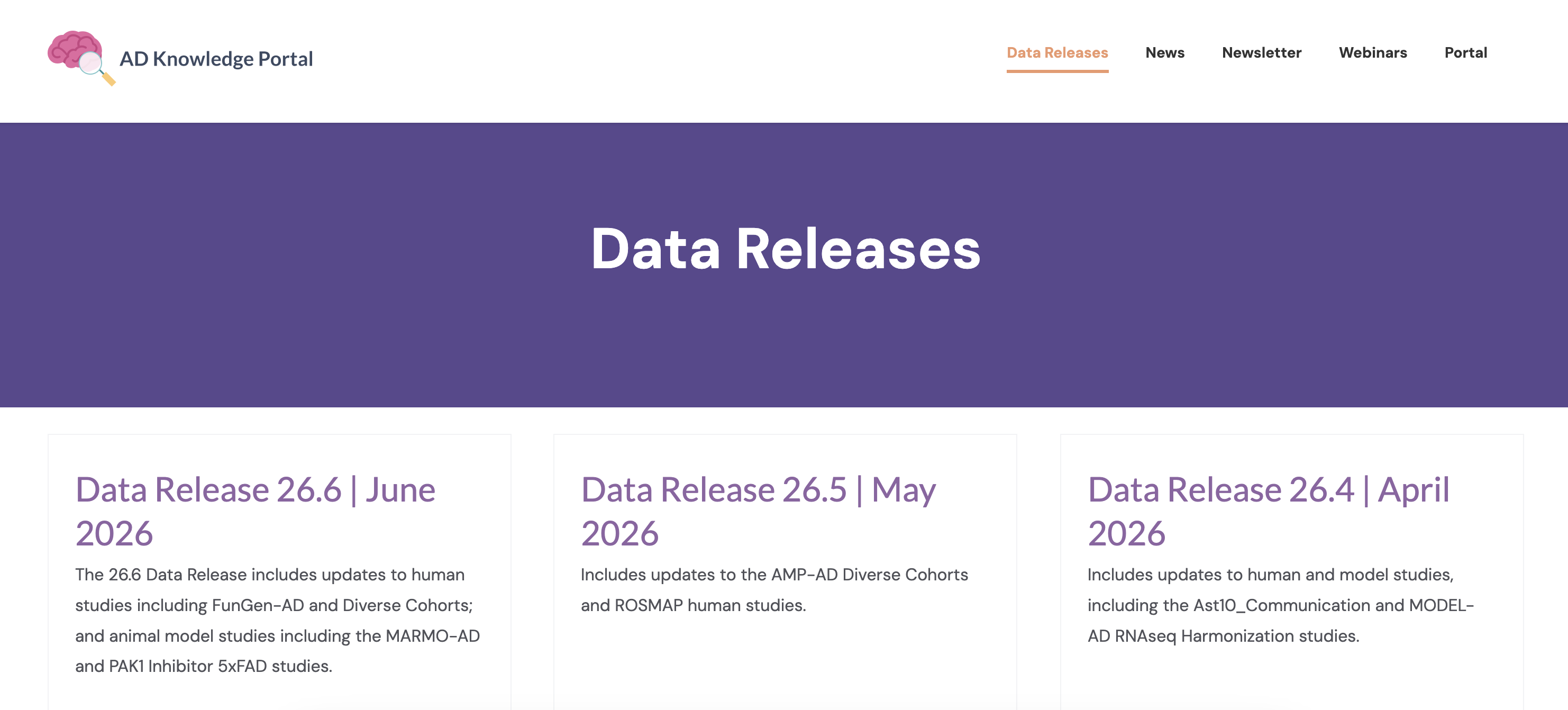
Within the News tab, you’ll find monthly data and feature releases, feature stories and press releases, and educational webinars with members of the AD Consortia.
Subscribe to the AD Knowledge Portal Newsletter to receive these updates directly in your inbox!
Opt out at any time. We promise not to share your information with any third parties or use it for any other purposes.